
A fresh draft. A clearer page.
Edit and translate PDFs with AI, then review the details before sharing.
Download on the App StoreIn-app purchases available.

Open a PDF. Explore the next draft.
Choose your document, make a request and review the result.
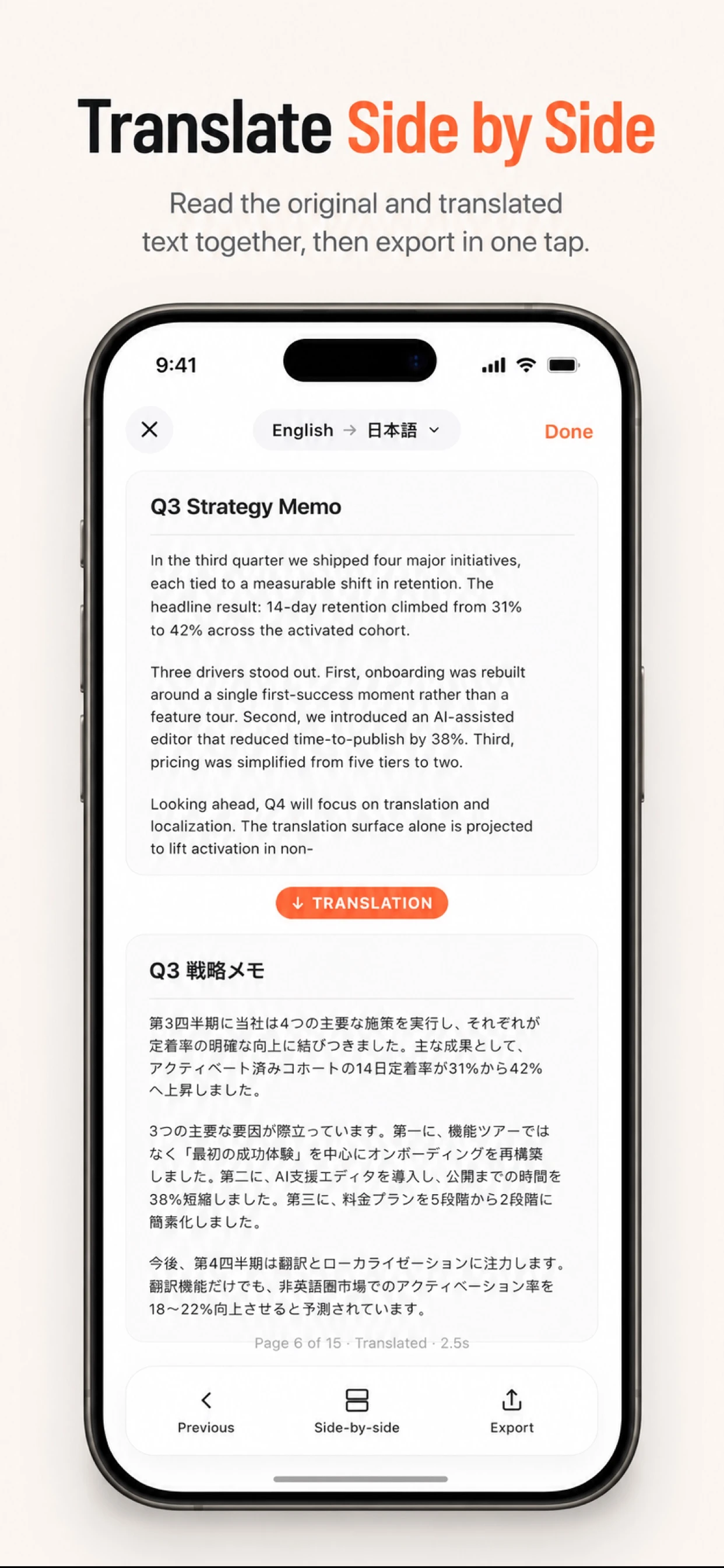
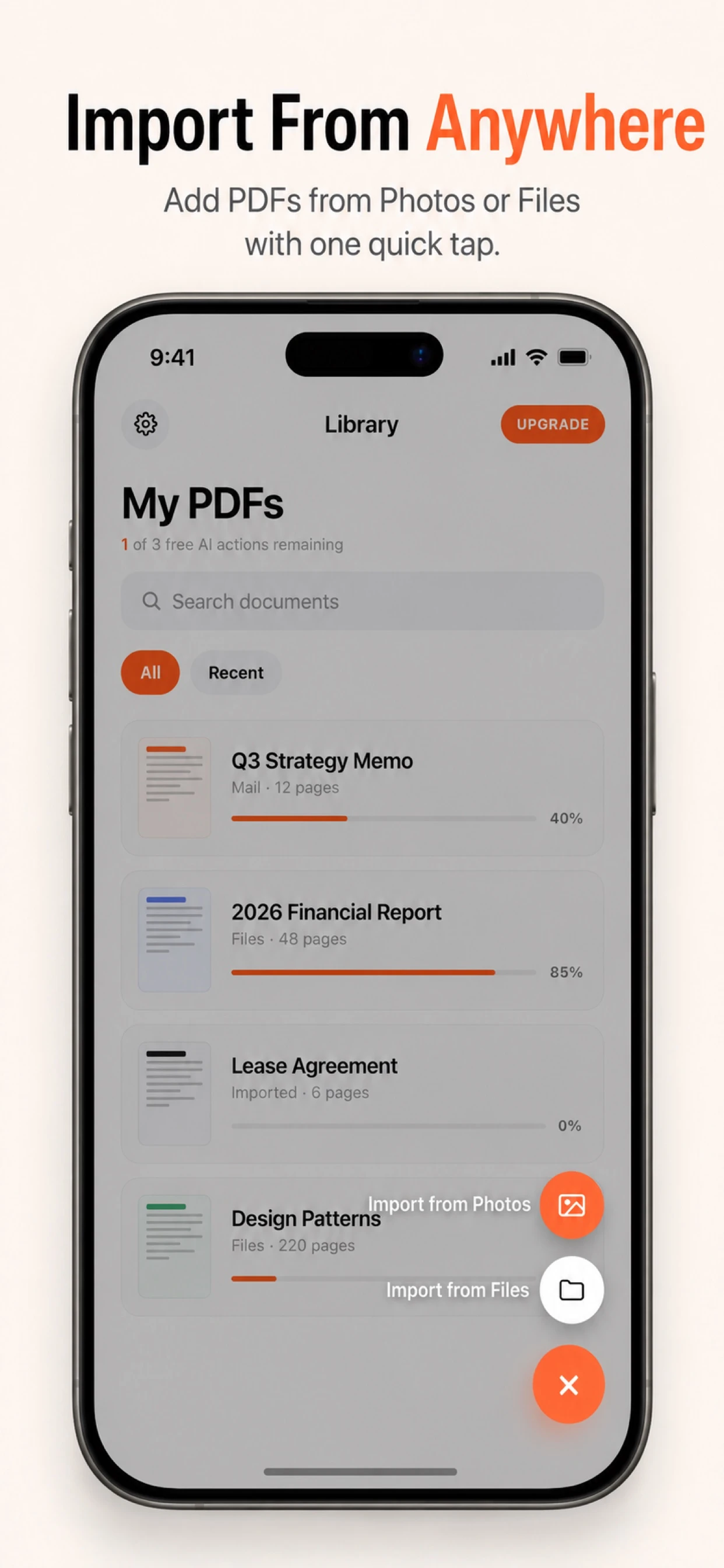
Read it before sharing.
Open a document
Import a PDF or make one from photos in the app.
Choose an AI action
Explore editing or translation for your document.
Review and share
Check wording, numbers, formatting and the exported PDF.
Current App Store artwork. AI results vary.
Keep a copy. Check the changes.
AI can change meaning and layout. Compare the result with your source before sharing.
Explore the PDF guidesStart with the document in front of you.
Before your next document.
Need help? Visit Support.
Should I review AI edits and translations?
Yes. Check meaning, names, numbers and formatting against the source before relying on or sharing a result.
Does SmartPDF include purchases?
Some features require an in-app purchase and AI usage allowances apply. Review the current offer and regional pricing in the app before purchasing.
Can I upload a PDF on this website?
Open and edit documents in the SmartPDF app. This website provides product information, guides and support, with no document-upload service.